

Two terminal agents was one too many
For most of this year we were building two terminal agents. AGTerm had a CLI and an orchestration layer of its own, and …

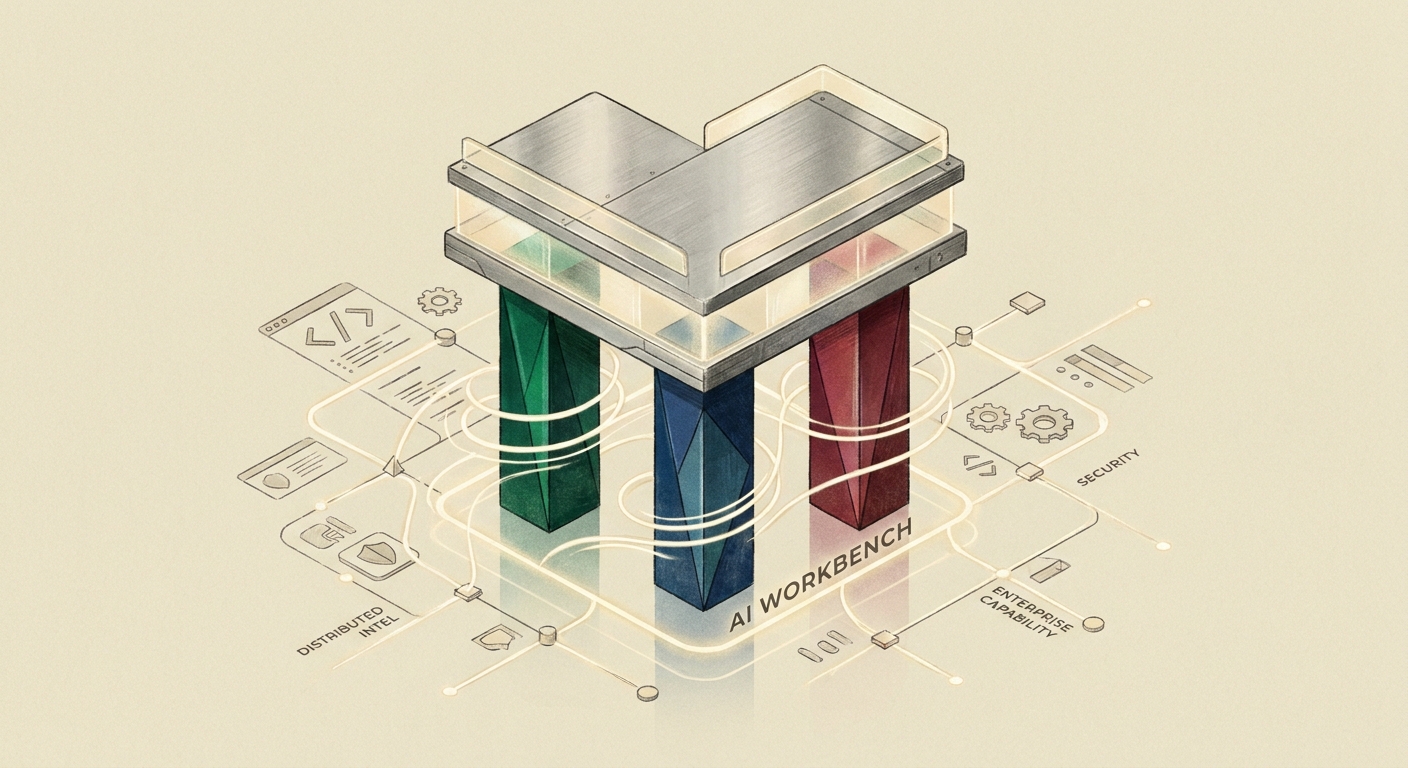

We have been making a case all spring that the enterprise AI stack has three pillars — workbench, runtime, and governance — and that private AI means owning all three inside the cloud you already trust. The workbench is the pillar most platforms treat as somebody else’s problem. We do not.
This week we cut a stack of releases across the Calliope AI Desktop Workbench. None of them is a blockbuster on its own; together they make a clear statement about where the workbench is going: fully free, fully BYOK, multi-provider, offline-capable, signed and notarized — running on every laptop in your organization, with no SaaS lock-in.
Here is what shipped and why it matters.
The IDE is the heaviest tool in the workbench — a full VS Code experience with an integrated multi-provider AI agent, Pergamon theming, and the extension marketplace developers already know.
The 1.6 series is the second major release line since 1.5.0 in March. We have been cutting patch releases on a near-weekly cadence — 1.6.5 on May 6, 1.6.6 on May 8 — which is a rhythm we want to keep. The pattern: ship the minor on a meaningful new capability, then patch fast on real-world feedback.
What’s notable about the 1.6 line:
Multi-provider, no preference. OpenAI, Anthropic Claude, Google Gemini, Ollama for local models. Each one is a peer; the IDE does not push you toward any of them. You pick per task, the IDE remembers, and your API keys live in your OS keychain — not on a server.
AWS Bedrock support continues to mature. The full credential chain we shipped in 1.4 — Bedrock API key (bearer token) → IAM keys → AWS Profile → environment → default chain — is now table-stakes for enterprise users who route everything through their VPC.
Context window management. Long agent runs do not blow out the prompt anymore. Automatic compaction, per-tool-result size caps, and progressive truncation keep multi-hour agent sessions inside the model’s context budget without manual intervention.
JupyterHub native sharing. The IDE participates in your JupyterHub deployment’s native sharing model. Share codes are redeemable invitation links; direct shares grant access to specific users; permission levels (view-only, full access, terminal access) match what JupyterHub already understands.
Offline-capable. The core IDE works without internet. Internet is for model calls, not for the editor working. If you are on a plane, on a VPN-only network, or in an air-gapped lab, the IDE still edits, debugs, and runs your code.
Download: the v1.6 series is on the releases page . macOS (Apple Silicon and Intel), Windows x64, Linux x64 and arm64.
The Lab — JupyterLab with deep AI integration — is the workbench tool for data scientists, ML engineers, and anyone whose day-to-day is notebooks rather than VS Code projects. The 1.4 line has been stable since March and powers a lot of internal data science across our customer base.
What is worth re-highlighting in v1.4:
Notebook Generation Mode. Generate complete notebooks from natural language. Improve existing notebooks via agent-assisted refactoring. The agent organizes cells, adds documentation, and respects your style.
Refined Data Agent. Smarter context awareness, better SQL generation, better multi-table query handling. The Data Agent is the workbench feature most often singled out by customers in our quarterly reviews.
Magic commands. %calliope and %ai are streamlined for in-cell AI interaction. Model switching is a tab-complete; output formatting handles markdown, tables, and code blocks gracefully.
Theme polish. Better dark / light mode support, cleaner syntax highlighting, refined visual consistency with the rest of the workbench.
A v1.5 line is in active development. Expect a major release within the next quarter.
Chat Studio is the workbench’s chat surface — but unlike a consumer chatbot, it has notebook-grade affordances: structured outputs, code execution, file attachments, persistent context, and full multi-provider routing.
Chat Studio v1.1 is the current line. The defining property is the same as the rest of the workbench: BYOK, multi-provider, offline-capable, signed builds. The next release is in development and will tighten integration with the IDE and the Lab — one chat session, viewable from any of the three surfaces.
DB Loadr is the workbench’s data-management studio. Connect to PostgreSQL, MySQL, Snowflake, MSSQL, and more. Write SQL with AI assistance. Explore schemas. Manage data.
The jump from v1.2.0 (March 30) to v1.3.10 (May 17) is the biggest version delta in the workbench this quarter — eight point releases inside two months. We have been iterating fast on AI-assisted SQL, connection management, and platform support, with a focus on signed and notarized macOS builds (Apple Silicon, M1 through M4).
Highlights of the 1.3 series:
AI-assisted SQL across all supported databases. Natural-language to SQL, schema-aware. The agent reads your schema, your prior queries, and your style.
Signed and notarized macOS builds. No more Gatekeeper warnings. Linux x64 / arm64 AppImage, .deb, and .tar.gz. Windows x64 installer.
Connection management improvements. Faster connection switching. Cleaner credential storage. Per-connection AI provider routing.
The 1.3.10 release on May 17 is the current line; expect a 1.4 minor before the end of Q2.
Every tool in the workbench shares four properties — and these are not coincidences. They are the design contract.
Download. Install. Use. You bring your own API keys. The tool talks to Anthropic, OpenAI, Google, Mistral, AWS Bedrock, Azure, Vertex, Cohere, Ollama, or any of two dozen providers — directly. We do not sit in the inference path. We do not bill you for tokens. You pay your provider’s posted price; we get nothing out of your inference bill.
This is not a freemium model. There is no premium tier of the desktop apps. There is no feature gate. Some organizations will buy our hosted, cloud-integrated version of the same software — that is where Calliope’s business model lives. But the desktop workbench is genuinely free for individual and team use.
The tools do not push you toward a model. They give you a model picker, populated by your configured providers. Anthropic Claude for one task, Gemini for another, a local Ollama model for a sensitive third. Each provider’s pricing, capabilities, and limits are surfaced honestly.
In 2026, this matters more than it did a year ago. Inference prices have moved 1000x in two years; provider economics shift quarterly. A workbench that is locked to one provider is a workbench you will resent within a year.
We design every tool to work offline. The editor opens. The notebook runs. The SQL queries execute. The only thing that requires connectivity is the model call itself — and Ollama lets you run a model locally if you need that, too.
This is not a niche requirement. Field engineers, traveling consultants, regulated industries, and anyone on a flaky VPN benefits from a tool that does not die the moment the network does.
Where we have shipped signing, the builds are Apple-notarized and Gatekeeper-clean. Where we have not yet (the IDE 1.6 line is still unsigned at time of writing — we are working on this), we say so plainly on the release page. No security theater.
We support macOS (Apple Silicon and Intel), Windows x64, and Linux (x64 and arm64) for every tool. AppImage, .deb, and .tar.gz on Linux. The arm64 Linux builds work on Raspberry Pi, NVIDIA Jetson, and Ampere-class servers. We do not believe in “Linux means x64 Ubuntu only.”
The desktop workbench is one face of Calliope’s private-AI stack. The other face is the same workbench, deployed inside your cloud — JupyterHub-integrated, identity-federated, behind your VPN. Same tools. Same UX. Same BYOK. Different deployment model.
That second deployment is where the workbench pillar meets the other two:
A user with the desktop IDE on their laptop and a workbench instance in their team’s cloud sees one consistent product. The local mode is fully BYOK and offline-capable. The cloud mode is identity-federated and governed. Same provider list, same model picker, same shortcuts. The team’s compliance and security posture is decided by which mode is being used — not by an inferior product.
Three things coming in the next quarter:
IDE 1.7 line. Tighter agent loop, better long-running session ergonomics, deeper JupyterHub integration. Cadence: weekly patch releases, monthly minors.
Lab 1.5 line. New AI surfaces inside JupyterLab, including a refit of the Data Agent context model and broader notebook-generation modes.
Workbench / Zentinelle SDK integration. Optional, off-by-default. When a workbench user belongs to an organization with Zentinelle deployed, the workbench can opt to route its outbound model calls through the org’s gateway — even in desktop mode — for a single, consistent audit trail across desktop and cloud. We will write this one up in detail when it ships.
The full release list is always on the calliope-ai-desktop-releases GitHub page . Bug reports and feature requests are welcome there; we read all of them.
If you have been waiting to standardize on a private-AI workbench inside your organization, the May release line is a fair point to commit. The downloads are free, the builds are real, the providers are everywhere — and the rest of the private-AI stack is waiting for you whenever you are ready.
For most of this year we were building two terminal agents. AGTerm had a CLI and an orchestration layer of its own, and …

When Operational Reliability Is the Regulation Most regulated industries have a data-protection focus: customer …