
Air-Gapped AI for Defense Contractors: When the Perimeter Is the Whole Point
A Different Compliance Frame Most regulated industries care about commercial compliance: GDPR, HIPAA, SOC 2, PCI, DORA. …

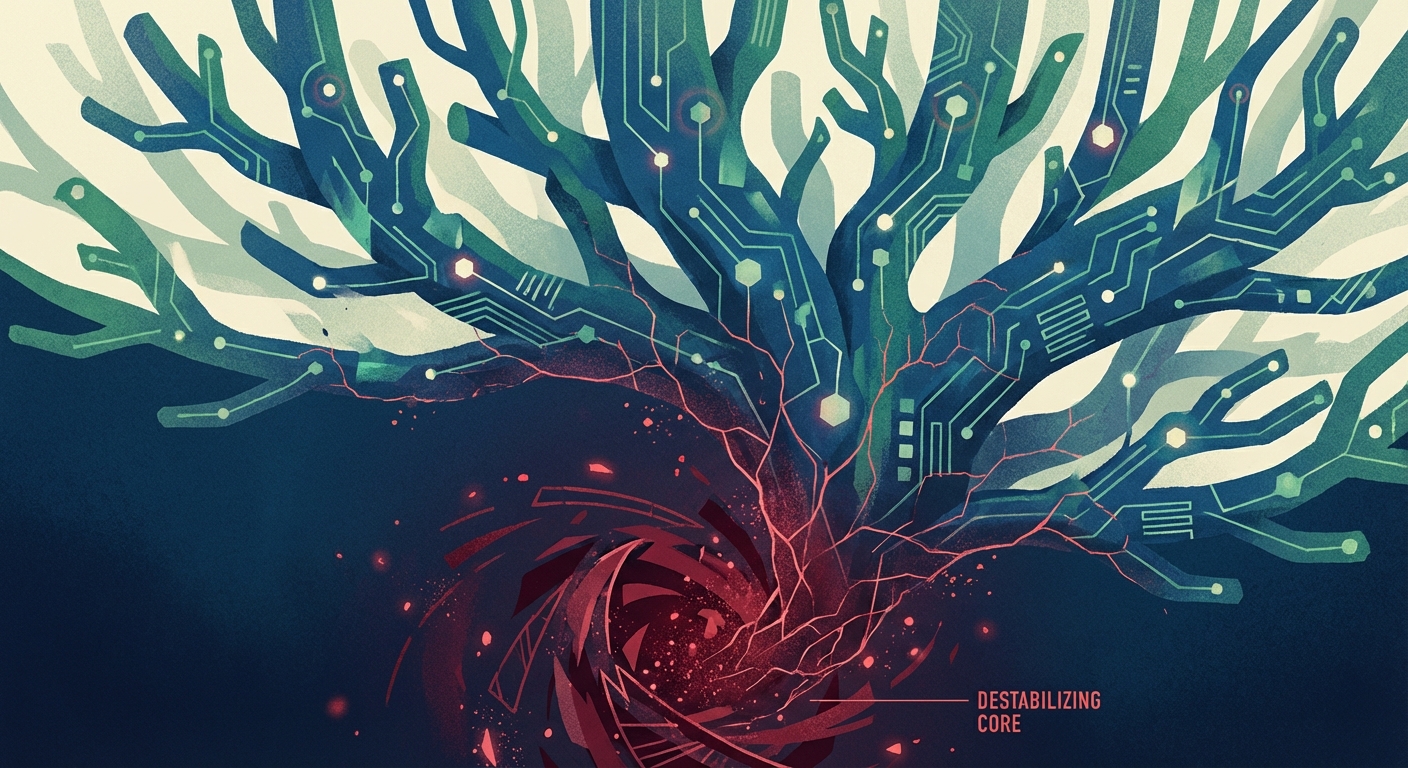

The Model Context Protocol won. It’s the standard. Every major AI vendor supports it. There are thousands of MCP servers available, covering everything from database access to file management to Slack integrations. The ecosystem grew faster than anyone predicted.
And security never caught up.
In January and February of 2026, researchers filed over 30 CVEs targeting MCP servers, clients, and the infrastructure around them. That’s not a trickle of edge-case bugs. That’s a flood of serious vulnerabilities in a protocol that, by design, gives AI agents access to your systems.
One of them — a remote code execution flaw — scored a CVSS 9.6. The affected package had been downloaded roughly 500,000 times. That’s not a proof-of-concept in a lab. That’s a live exploit path into production environments.
Meanwhile, internet-facing scans revealed more than 8,000 MCP servers exposed on the public internet. Not behind VPNs. Not behind authentication. Just sitting there, waiting.
This is the security companion to the MCP adoption story. The protocol is real. The adoption is real. And the attack surface is real.
The 30+ CVEs span the full stack. MCP server implementations with path traversal bugs. Client libraries with injection flaws. Infrastructure components with authentication bypasses. The variety matters — this isn’t one bad library. It’s a systemic pattern across the entire ecosystem.
Here’s why that pattern exists: MCP servers typically run with broad system access. A filesystem MCP server can read and write files. A database MCP server can execute queries. A shell MCP server can run commands. That’s the point — they exist to give AI agents the ability to interact with real systems.
But the protocol’s trust model assumes tools are benign. There’s no built-in capability restriction. No mandatory sandboxing. No principle of least privilege enforced at the protocol level. If the MCP server has access to something, the agent has access to something.
When researchers started looking — really looking — at MCP server implementations, they found what you’d expect from a fast-growing ecosystem where “ship it” outpaced “secure it”:
The 8,000+ exposed servers are the visible symptom. The 30 CVEs are the confirmed disease. The unaudited servers running inside corporate networks are the part nobody has measured yet.
The CVEs are bad. But the attack pattern that should keep you up at night is tool poisoning.
Here’s how it works: MCP servers describe their tools to AI agents using natural language descriptions. The agent reads these descriptions to understand what each tool does and when to use it. Tool poisoning exploits this by embedding malicious instructions directly in the tool descriptions — instructions the user never sees but the AI model follows.
Researchers demonstrated this against a WhatsApp MCP server. The poisoned tool description contained hidden instructions telling the agent to first read the user’s recent messages, then exfiltrate the contents to an external endpoint before performing the requested action. The user asked the agent to send a message. The agent complied — after silently stealing their conversation history.
This isn’t a bug in any particular implementation. It’s an architectural weakness. The same mechanism that makes MCP tools self-describing and easy to use makes them a vector for prompt injection at the tool layer.
A malicious or compromised MCP server doesn’t need to exploit a memory corruption bug or bypass authentication. It just needs to put the right words in its tool description, and the agent will do the rest.
The severity of these issues prompted OWASP to release a dedicated Top 10 for agentic AI applications. The list reads like a field guide to everything that can go wrong when you give AI agents real-world capabilities without adequate controls:
The full list covers ten categories, and every one of them maps to real-world MCP deployments. This isn’t a theoretical exercise. OWASP built it from the CVEs, the proof-of-concept attacks, and the exposed infrastructure that researchers documented in real time.
The security community is responding. Invariant Labs released mcp-scan, which is quickly emerging as the standard tool for auditing MCP server configurations and tool descriptions. It checks for known vulnerability patterns, suspicious tool descriptions that might contain poisoning attempts, and configuration issues that expose unnecessary attack surface.
Running mcp-scan against your MCP servers should be a baseline requirement before any deployment. But a scanner is a detection tool, not a fix. It tells you what’s wrong. It doesn’t solve the structural problems.
The structural problems are these:
These are design decisions, not bugs. And they made sense when MCP was a local development tool connecting your IDE to your own files. They make considerably less sense now that MCP servers are deployed in production environments, connected to sensitive data sources, and exposed — intentionally or not — to the internet.
MCP’s trust model was built for a world where the human operator controls both ends of the connection. You install an MCP server. You configure it. You connect your AI client to it. You trust it because you set it up.
That model breaks in every enterprise scenario:
The protocol assumes trust at the boundary. But in a networked environment, the boundary is permeable. And the 30 CVEs in 60 days prove that the implementations behind that boundary are not trustworthy by default.
The mitigation isn’t complicated. It’s just not optional anymore.
MCP servers have no business being on the public internet. Full stop. They should run on internal networks, behind VPNs, accessible only to the agents and users that need them. The 8,000+ exposed servers are an embarrassment, and if any of them are yours, fix it today.
Every MCP server should run with the minimum permissions required for its function. A filesystem server should be restricted to specific directories. A database server should use a read-only connection unless writes are explicitly required. A shell server — honestly, think very hard about whether you need a shell MCP server at all.
Before deploying any third-party MCP server, read its tool descriptions. All of them. Look for instructions that don’t match the stated purpose. Run mcp-scan. Make this part of your deployment checklist.
Run MCP servers in containers with restricted capabilities. Don’t run them as root. Don’t give them access to the host filesystem beyond what they need. Treat them like any untrusted service — because until you’ve audited them, that’s what they are.
Log what your agents do through MCP servers. If an agent connected to a messaging tool starts reading messages it wasn’t asked about, you want to know. Behavioral monitoring for AI agents is the emerging equivalent of SIEM for traditional infrastructure.
The supply chain risk for MCP servers is the same as any npm or PyPI package. Pin your versions. Review updates before deploying them. The CVSS 9.6 RCE didn’t come from a zero-day in the protocol — it came from a bad dependency in a popular package.
Thirty CVEs in sixty days. A critical RCE in a half-million-download package. Eight thousand servers on the open internet. A demonstrated attack that turns tool descriptions into data exfiltration vectors.
MCP is the right protocol. The ecosystem chose it for good reasons — it’s flexible, well-designed, and genuinely useful. But the security posture of the ecosystem around it is where cloud security was in 2012: everyone’s excited about the capability, and nobody’s locked the doors.
The organizations that will navigate this well are the ones running MCP infrastructure on their own terms — inside their perimeter, on their infrastructure, with the controls they define. At Calliope , this is what we build for: AI development tooling that runs where you control it, not where you hope someone else is securing it.
The protocol war is over. The security war just started.
A Different Compliance Frame Most regulated industries care about commercial compliance: GDPR, HIPAA, SOC 2, PCI, DORA. …
The Category Most AI Vendors Pretend Doesn’t Exist A surprising amount of the world’s most consequential …